Tl;dr: I brought an old computer back to life through self-inflicted overly complicated steps and installing linux.
I recently brought my old 2012 13 inch macbook air from the pile of random books, documents and dust. I had stopped using it because it wasn't working anymore. It wouldn't boot into macos and my unenlightened past self didn't know of any methods to try to recover this computer that had powered countless programming projects.
I recently decided to give its recovery another try. I burned linux mint onto a 32GB usb key that I then connected to my ancient mac, and lo and behold, after smashing the alt key to get into boot mode and choosing the efi boot, the computer took a few painstaking minutes with the linux mint logo before throwing me into a desktop environment! This was the moment when i realized that this computer actually had a lot of potential left.
As any person well versed in the art of usb key linux installing might have predicted, the desktop environment was very slow. The usb key was a random cheap stick that did its job but at a rate so low that doing anything in the environment felt like it was going to break the camel's back and return the computer to a permanent state of unfunctioning, fating it to a few more years in the graveyard of documents and dust. I attributed this lack of speed to the crappy usb key as well as the age of the computer (13 years old). At this point in time, i thought that the computer's hard drive was doomed and that this had caused the untimely demise of this valiant computer. I therefor thought that i would be forever fated to use it from a usb key. This was the beginning of the age of despair, which had commenced shortly after the burst of joy that had come from the initial resurrection breakthrough.
In this dark period, I tried numerous linux distributions, all of which failed. I installed linux mint onto one of the usb keys to have a persistent environment (the linux mint installer doesn't have memory as it's just made to get linux mint installed onto your hard drive). After seeing no improvement whatsoever, i thought that the solution for speed would be to have a linux distribution running entirely within RAM. The slow nature of the USB-key-based linux install was caused by the slow bit rates between USB keys and computers. Having everything within ram would solve these issues by uploading the whole operating system to the computer's ram and reducing the amount of communications with the stick. In this optic, I tried puppy linux, which failed because I couldn't get the system to install the proprietary driver for apple's wifi module. I then tried void linux, which failed because the installer simply wouldn't install the system even after numerous setup steps and an excruciatingly slow loading bar that reached 100% as well as an exciting message saying that the system had been installed only for my dreams to be crushed by the fact that the system was nowhere to be found after a reboot. I also tried alpine linux which also failed because it never seemed to want to actually go beyond the setup phase and get into the desktop environment.
It's impressive to imagine that the computer had lived years not touched by a single person... until it was faced with at least 6 different operating system installs within the span of a few days. Most of these failures probably came from my mistakes, but I didn't know any better than to try more and more things until something stuck... and eventually, something did!
I was trying to install alpine linux for the fifteenth time, and during one of the setup pages, it showed the mac hard drive in the list of disks. Keep in mind that that hadn't been an option for most of the installs including the linux mint one. I chose that disk because I had no hope for anything else. I had the sense that the hard drive was broken, but it somehow recognized it. After an install process prompting me to restart the computer, I finally had an on-disk linux distribution! It booted into the alpine linux installer interface, but it didn't need a USB key anymore! This gave me incredible hope, but when i restarted the computer, it showed a blinking folder icon saying that there was no way to boot. I was very confused and I tried again, and it would randomly connect to the alpine linux installer and randomly not. It was extremely inconsistent and confusing. After a bit of research, i pinned it on a faulty or dusty connection between the hard drive and the main board.
I then decided to do something that I thought I would never do: I opened up the computer. It was surprisingly easy, and after identifying the hard drive, I carefully removed the hard disk. I tried to clean it up and then finished the nerve-wracking operation by placing the storage in its slot and shut the computer.
And just like that, everything started working perfectly. It was all smooth sailing from there onwards. I installed linux mint because I had done it many times before and I was familiar with its interface by then. I set up the wifi driver like I had done it before and before too long, I had an environment with the essentials set up:
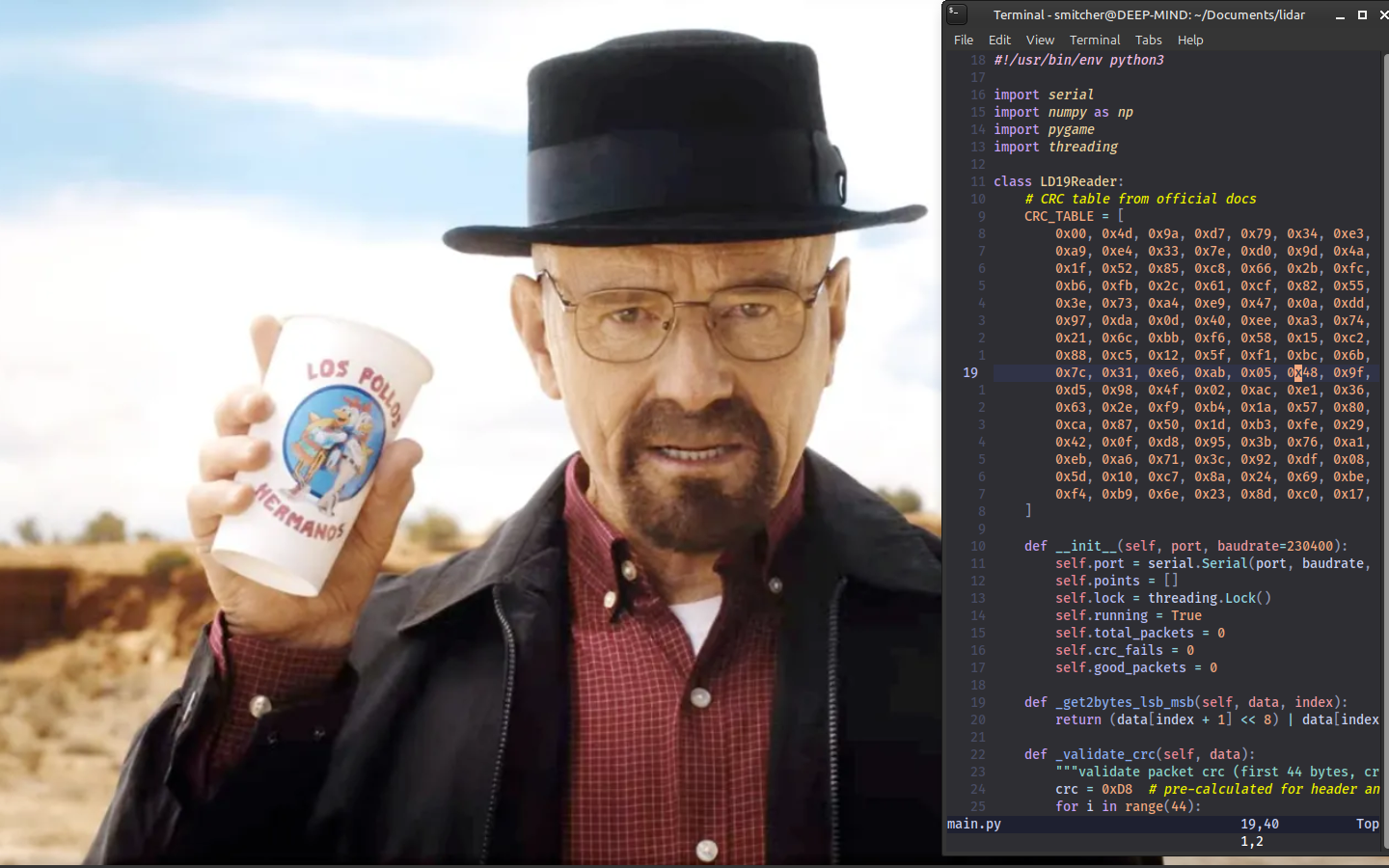
The bare necessities for a programming environment: A good background image as well as my personal nvim setup
I was finally doing something I had been wanting to do for a while: using linux. This was all great, but more than that, the greatest thing was its speed! Don't get me wrong, it isn't a fast computer. When comparing it to my current computer, it's a sloth, but it's so much better than the previous attempts at a functional system from the USB keys.
I tried installing blender for the fun of it. The installation process was really fast and easy, and running it was surprisingly fast! I could edit things with no problems. It was great!
I had a couple of projects in mind for this computer beyond simply trying to fix it. There are a couple of things that I couldn't do in the past because it needed a linux or windows computer. This will hopefully help with those edge cases.
Another hope that I have for this computer is to play around with networking and trying to set up the computer as a server of some sort. I think there could be many interesting projects around this idea.
I'm also interested in trying to play around with linux and pushing it to its edge. I might try installing arch.
The computer's trackpad is broken and that's another project that I might have with it.