There's a great project that I really enjoy called ascii.live. You can just run curl ascii.live/rick from a terminal and get a great viewing experience. The whole project is just a website that you can curl to access. To be clear, I know nearly nothing in these domains. I know nearly nothing of web dev.
I vaguely know that curl shows data in a terminal and it creates a request from the ascii.live website.
Now to repair this lack of knowledge, I hereby give myself the following goal:
Create a website running and hosted on a computer that I could curl into from another computer on the local network.
I don't know how difficult this might be, but I'm going to give myself the extra constraint of never using an AI when working on this project. This choice has stemmed from the fact that I have observed an over-use of AI and vibe coding in some of my recent projects to such an extent that I don't really interact with the program anymore. I find this negative, and I'm willing to stop using AI for programming projects even if it's at the cost of some efficiency losses.
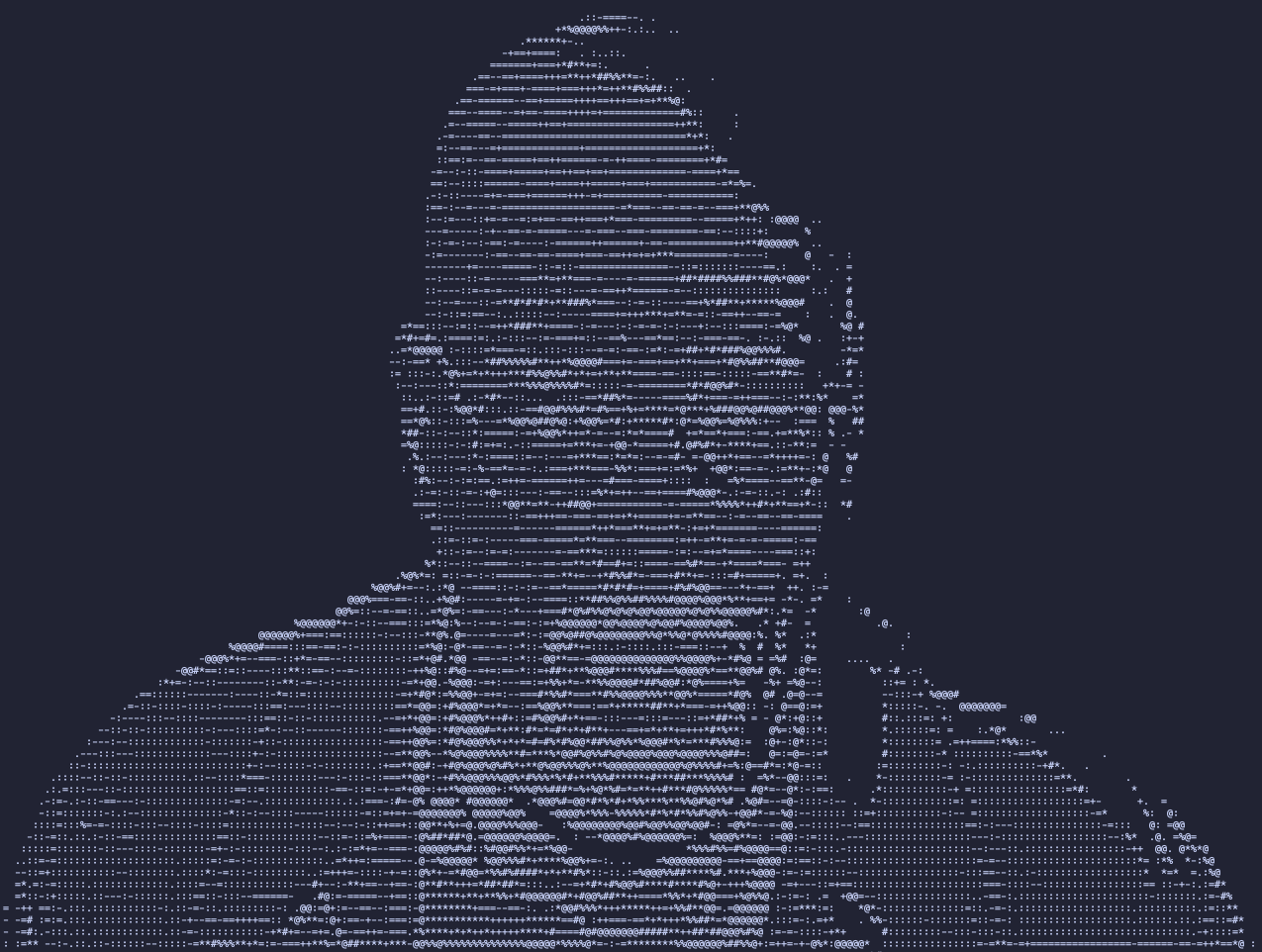
curl is super cool! just looking at the w3schools website on curl for a couple of seconds shows a really cool thing: downloading a file from a website! For example, you can run curl -O https://smitcher.net/assets/setup.png and unless the website is down (which it isn't since you're reading from it) or that I've refactored it, a beautiful image of Walter should be downloaded to the location from which you ran the terminal command.
Playing around with curl for even a couple of seconds shows a lot on the way it works. As far as I currently understand, curl simply gets a resource at a specific source (like a url) and streams it to the terminal. Of course, a file can be text-based or not, and curl will print out the text if the file is compatible and throw a warning otherwise. It doesn't make much sense to print an image in text so curl lets you "recreate" the file on your computer with -O.
When using curl on an html page, the html tags get printed along with the rest. This makes sense based on the previous description, but this also means that the challenge that I've given myself could be very simple. Simply creating an html text file with "hello world" (and no tags) and serving it locally lets me curl it from another computer and simply have "hello world" printed to the terminal! That's a great start!
Ok so this was created very simply: it's just a text file full with an ascii image of Walter White that was created on this site which was surprisingly easy to use!
Here comes the real challenge: creating a video. I expect this will be the real challenge that will require some more looking into the documentation.
Possible paths that I see:
I've been running a server through python. I've realized that when I edit the source file (the html file) while the server is still up, the most recent version gets printed on the computer that's curling. This means that a possible way of running a video would be to have the curling computer run a script that would run curl again and again while the other computer would have a script to save different frames as text to the main file and cycle through the video's frames. This seems like a terrible solution. As long as we're using a script on the curling computer, why don't we just run the whole video while we're at it? It feels like that'd be defeating the point (if there ever was one) of this project. It feels like cheating. I want the curling computer not to need anything besides the curl command.
Diving into the curl documentation and finding how curl takes care of requests and how I might be able to keep a client active continually. The idea wouldn't be to rewrite the data but to resend it. This would print a whole new frame in the curling terminal and create the video there. I don't think it'd be possible to erase past frames with curl but that doesn't matter much.
All right, so with a bit more research, the solution began to appear: SSE. This is simply "server sent event". A computer normally makes a request to a server and gets a page in response. This is the case for this website for example: your computer makes a request to the server, and it answers with the site files like html or images. When a client wants a new page, it makes a new request to the server. The point of server sent events is to let the server create events and send new files without a client requesting it. This only happens when the client keeps the http request open. Imagine opening a social media (in a browser): when you receive a new message, it sends the update automatically. This only happens when the tab is open (which means the http request is still open).
I was incredibly lucky to find this resource very quickly in my searches. After following their tutorial, i quickly had exactly what I wanted! They show how to create a site that sends the time every second. This has all of the building blocks that I need: it sends text (frames) at regular intervals (fps).
I have a way of sending text animations automatically, but I now need the text itself!
Although I'd like to explore the subject, recreating a video-to-ascii converter is far beyond the scope of this small project so I'll use publicly available frames online.
Thankfully, the site on which this project was based: ascii live has a github with all of the source code available. After finding the frames on the github and using nvim shortcuts to edit the data in mass to make it python-readable and editing the code slightly to show frames instead of the time, I get this:
So that's it! I've created a website that creates an animation through curl! All of my dreams have come true!